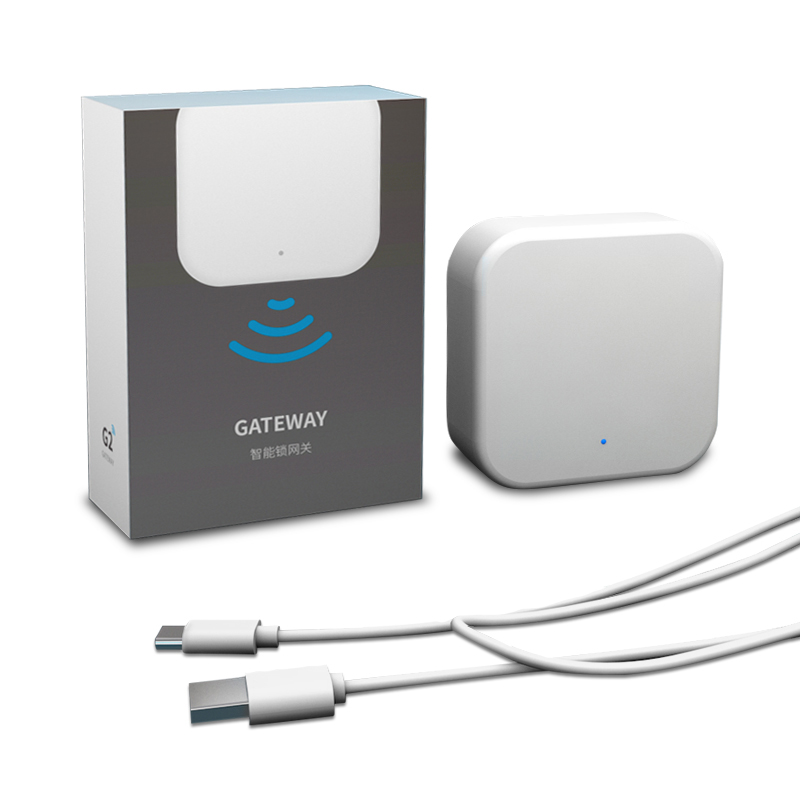
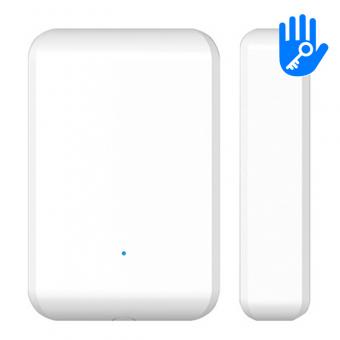
G2 WiFi Gateway for TTlock Standalone Access Control K2 and K2F
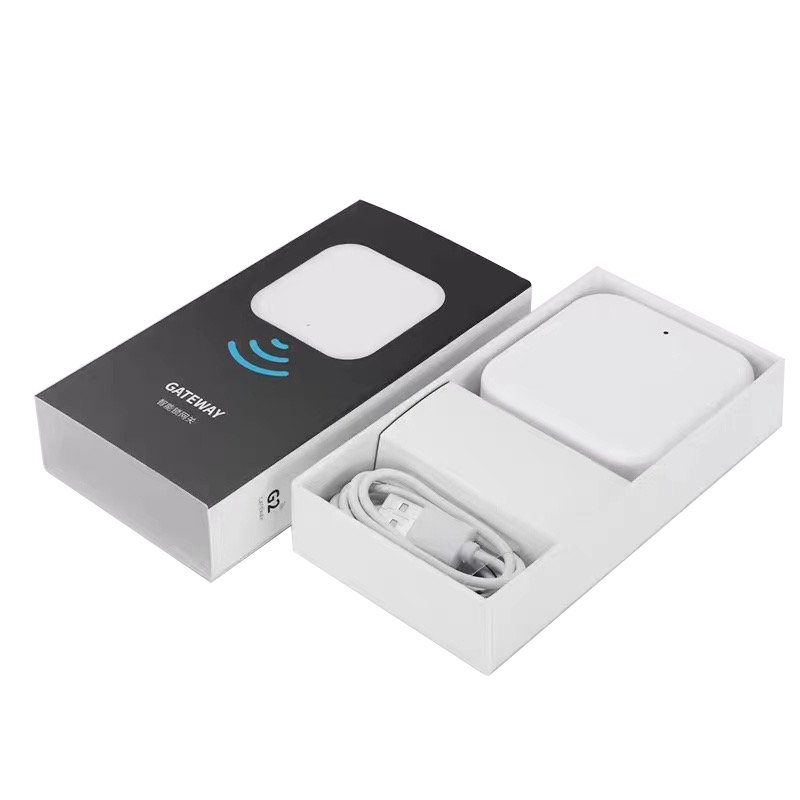
Model No.: G2
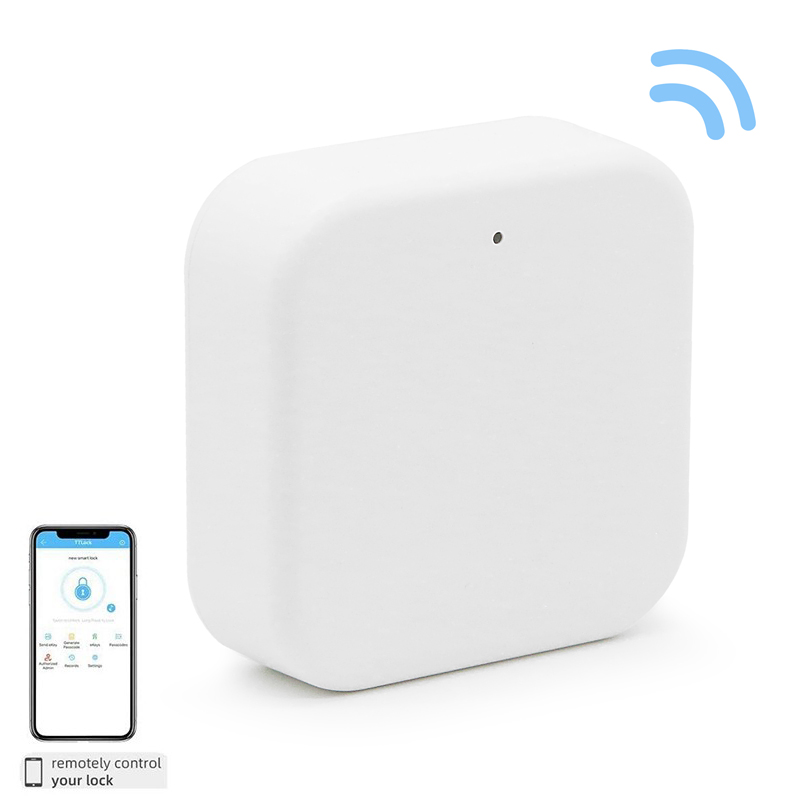
The TTLock gateway is a Bluetooth - to - internet bridge for your TTLock smart locks, letting you control and manage locks remotely via the TTLock app, no matter where you are—no need to be within Bluetooth range
Core Purpose
Remote Control: Lock/unlock doors, check battery levels, and view access logs anytime, anywhere.
Passcode Management: Add, modify, or delete passcodes, fingerprints, and cards remotely
Real - Time Alerts: Get instant notifications for lock activities (e.g., someone unlocking the door).
Auto - Sync: Automatically upload access records to the cloud for easy tracking
How It Works
The gateway connects to your 2.4GHz Wi - Fi and links to nearby TTLock Bluetooth locks.
It sends your app commands to the locks and relays lock data back to the cloud.
You can then manage multiple locks from one app interface
Quick Note
Customize access permissions, enable "passage mode" remotely, and pair with door sensors for door - open/closed status monitoring (if supported)
> WiFi & internet remote control
> Change password remotely via internet
> When the user opens the door, the administrator will receive a real-time prompt message
> This smart app can be used as time attendance
> Standby time is up to 12 months, when the battery is about to run out, the system will have sound and light warning
> Remotely view the status of the door, open or closed -AES 128-bit encryption to prevent all hacker hidden dangers
|
Support system
|
TT Lock APP
|
|
Material
|
Plastic
|
|
The internet
|
WiFi 2.4G
|
|
IEEE standard
|
802.11b/g/n
|
|
Power connector
|
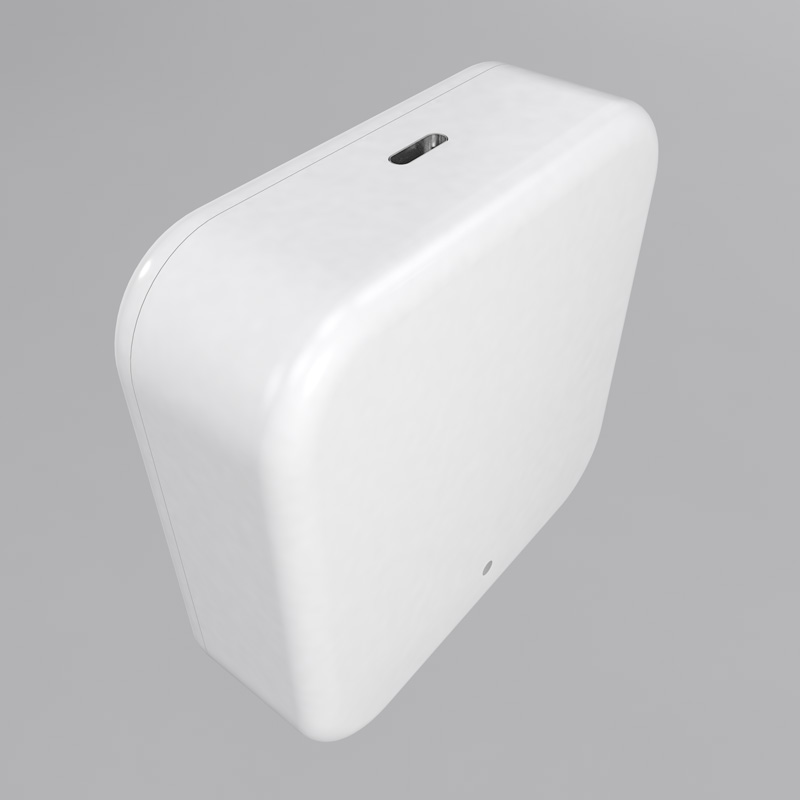
Type_C USB
|
|
Power input
|
DC 5V/500mA
|
|
Colour
|
White
|
|
Size
|
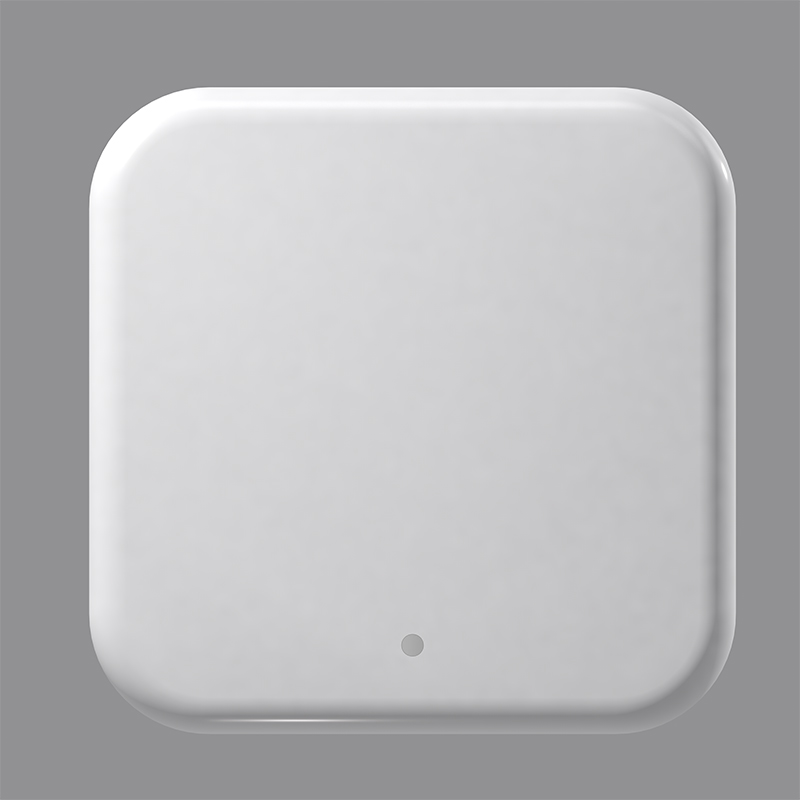
70x70x26mm
|
TT Lock App Control Function:
> Unlock the door
> Access methods manage
> Create temporary passcode
> Store the records of access
> Manage all the smart locks in your house.
Step-by-step guide to setting up the G2 TTlock Gateway and connecting it to TTlock devices, with key notes for smooth operation
Step 1: Add & Configure the G2 Gateway
-
Open the TTLock app, tap the3-line menu(top-left), then selectGateway.
-
Tap+→ chooseG2.
-
Plug the Gateway into power (USB-C). The indicator will flashred and blue alternately(pairing mode).
-
Tap+next to the discovered Gateway in the app.
-
Select your2.4GHz Wi-Fi→ enter the password → name the Gateway (e.g., “Office Gateway”) → tapOK.
-
Wait 1–3 minutes: the light turnssolid greenwhen connected to Wi-Fi; the app confirms setup.
Step 2: Connect Gateway to TTlock Devices
-
After setup, the Gateway automatically scans for nearby TTlock devices (within Bluetooth range).
-
In the app, go toGateway→ select your Gateway → checkConnected Locks(locks appear here when paired).
-
If a lock is missing: move the Gateway closer (3–7m), ensure the lock is on, and refresh the list; re-add the lock to the app via Bluetooth first if needed.
-
Once connected, enableRemote Unlock(default off) in the lock’s settings for remote control.
Step 3: Verify & Use Remote Features
-
Test remote control: exit Bluetooth range, use the app to lock/unlock—you’ll get push notifications and activity logs.
-
Manage locks remotely: add/delete passcodes, check battery, and view access history via the app.
Indicator Light Guide
|
Light Status
|
Meaning
|
|
Red/blue alternating
|
Pairing mode (waiting for Wi-Fi setup)
|
|
Solid green
|
Connected to Wi-Fi and cloud
|
|
Flashing green
|
Connecting to Wi-Fi/cloud
|
|
Solid red
|
No Wi-Fi/cloud connection (check network/password)
|
Troubleshooting Tips
-
Gateway not found: Reboot the Gateway; ensure phone is on 2.4GHz Wi-Fi; keep Gateway close to the router.
-
Locks not connecting: Move Gateway closer to locks; re-add locks to the app via Bluetooth first.
-
Remote control fails: Confirm Gateway is online (solid green); enable Remote Unlock in lock settings.





 English
 français
 Deutsch
 русский
 italiano
 español
 português
 العربية
 Türkçe
 Tiếng Việt
 Indonesia





 IPv6 network supported